
BackendSideMon – A lightweight server monitoring service for Windows & Linux
BackendSideMon is a lightweight service that continuously monitors your server's security posture and system health, presenting everything through a clean, professional web dashboard you can access from any browser on your network. Available for Windows Server and Linux (RHEL-based and Debian/Ubuntu-based distributions).
Download BackendSideMon v1.4 for Windows
Available for Windows — 7 day free trial

Now introducing Android Client (Optional) for BackendSideMon. Monitor multiple BackendSideMon servers from your Android mobile phone. Get the app from Android Play Store now.

Download BackendSideMon v1.0 for Linux
Packages for RHEL-based distributions (RPM) and Debian/Ubuntu-based distributions (DEB)
| Distribution | Package | SHA256 Checksum |
|---|---|---|
| EL8 RHEL 8 / AlmaLinux 8 / Rocky 8 / CentOS 8 | backendsidemon-1.0.0-1.el8.x86_64.rpm | f1fcaf78e99d8c60fbf8c90e637936f638b9702d41139c11a4522905c4411b7a |
| EL9 RHEL 9 / AlmaLinux 9 / Rocky 9 / CentOS Stream 9 | backendsidemon-1.0.0-1.el9.x86_64.rpm | 045be04170851ff35cf81cf37978abdd3e59ce030f36e67b700b6dec819b57e0 |
| EL10 RHEL 10 / AlmaLinux 10 / Rocky 10 | backendsidemon-1.0.0-1.el10.x86_64.rpm | 6d5f9666cf021b255561444fe5b800bd96129cb1481fa1af39b2fd69d216295b |
| DEB Ubuntu / Debian / Linux Mint / Pop!_OS and any Debian-based distro with systemd | backendsidemon_1.0.0_amd64.deb | 5b8cd826e25b2d7fc63b8ea2b7d1431f1217feb5a9d8af72ff252748aea99109 |
RPM Installation (RHEL / AlmaLinux / Rocky Linux)
sudo rpm -ivh backendsidemon-1.0.0-1.el9.x86_64.rpm
sudo systemctl start backendsidemon
After installation, access the web interface at http://<your-server-ip>:8080 — default credentials: admin / changeme
DEB Installation (Ubuntu / Debian)
sudo apt install ./backendsidemon_1.0.0_amd64.deb
sudo systemctl start backendsidemon
After installation, access the web interface at http://<your-server-ip>:8080 — default credentials: admin / changeme
Features
- Network Monitoring: Tracks TCP/UDP/ICMP packet stats, including sent/received bytes and packet counts
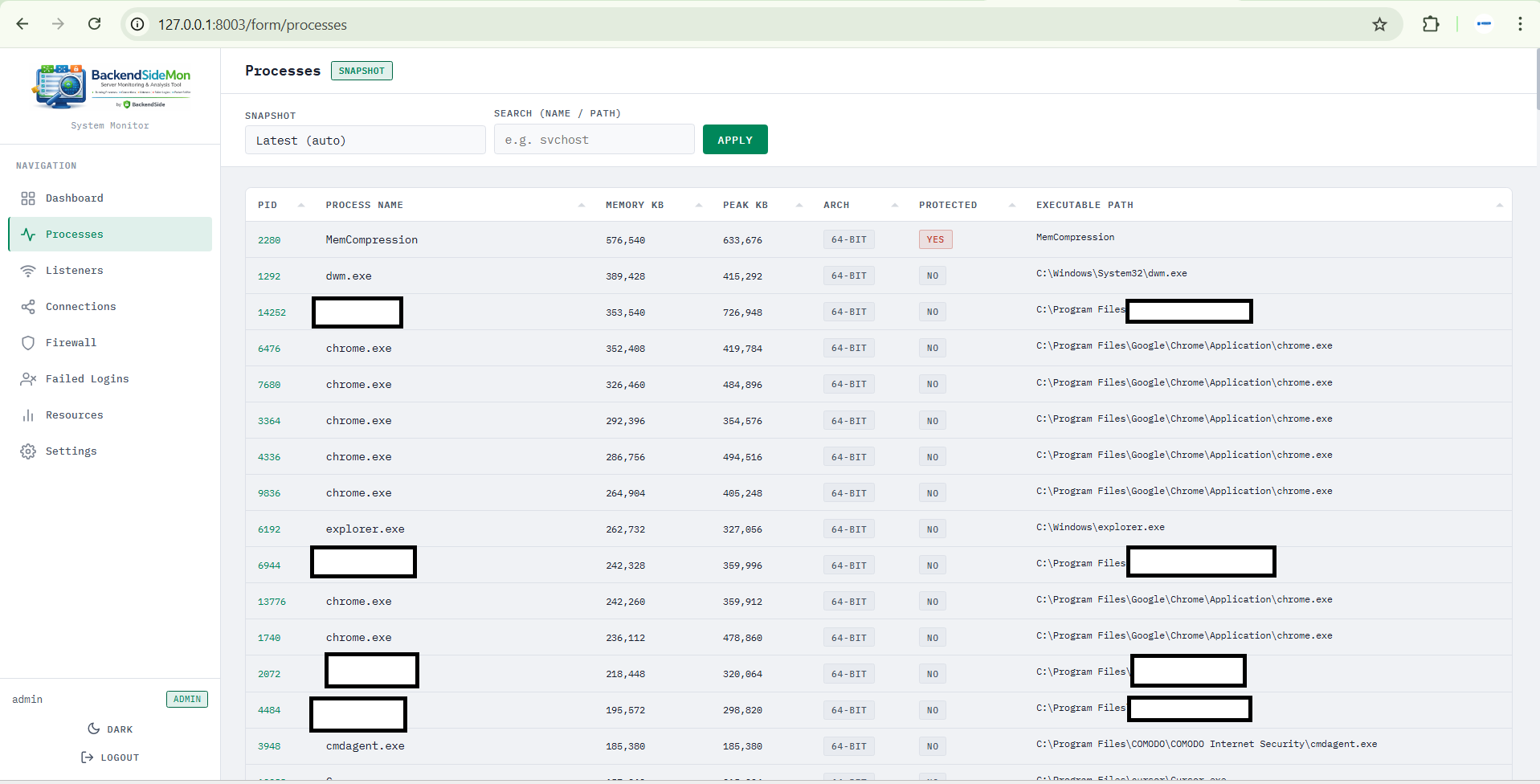
- Process Insights: Displays running processes with their full executable paths
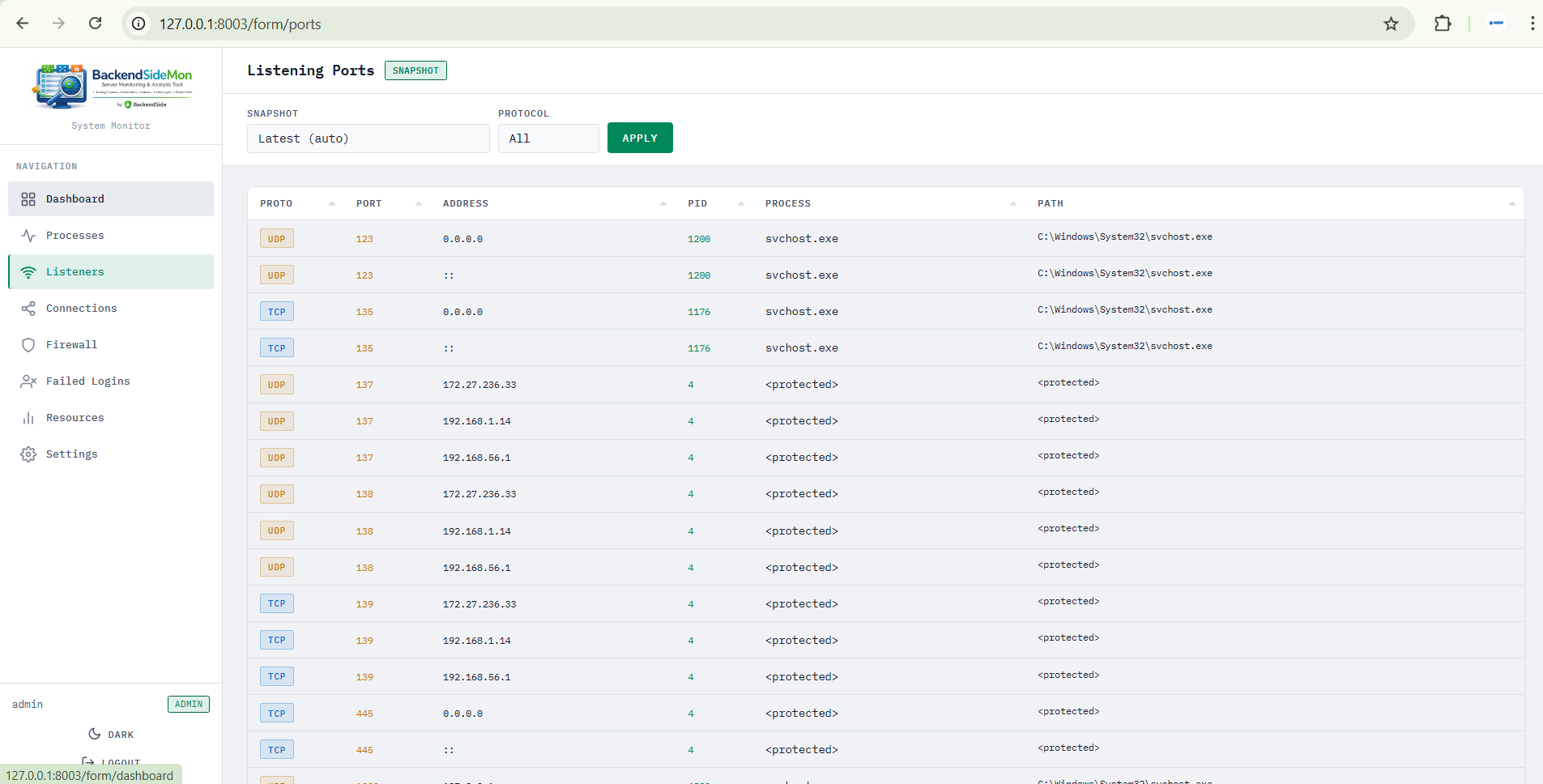
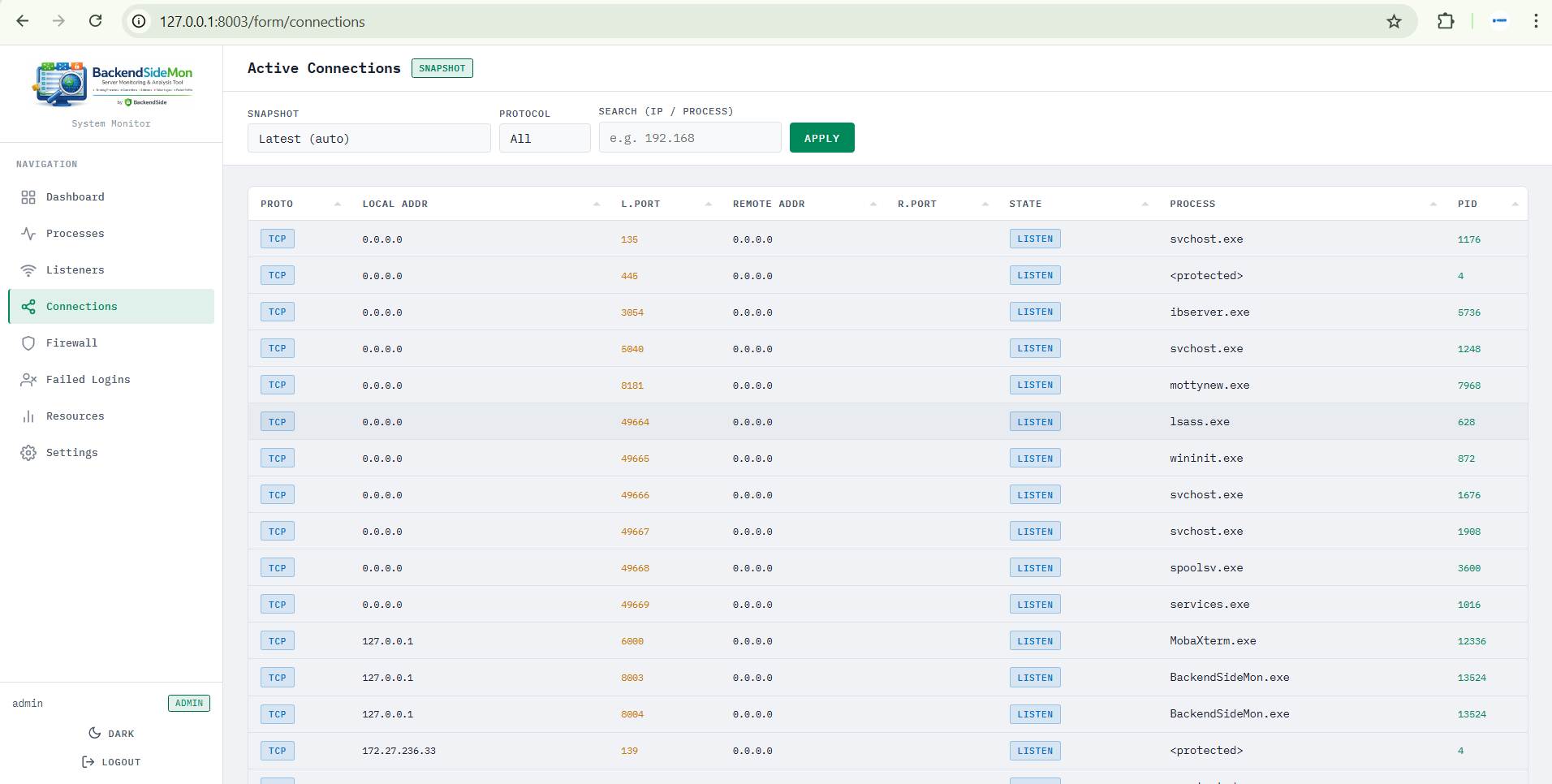
- Connection Details: Lists active listeners and connections with local/remote IPs, ports, and states
- Web Interface: User-friendly dashboard for live monitoring
- Windows: Block a listener/connection with one click by adding a Windows Firewall rule
- Windows: List all firewall rules created by BackendSideMon with option to delete them
- Windows: Supports Windows Server (XP to 2025, 32/64-bit) with admin privileges
- Windows: Runs as a Windows Service
- Linux: Runs as a systemd service — starts automatically on boot
- Linux: Supports RHEL-based distros (AlmaLinux, Rocky Linux, CentOS, RHEL — EL8/EL9/EL10) and Debian/Ubuntu-based distros (Ubuntu / Debian and any Debian-based distro with systemd)
- Linux: Failed login tracking — monitors and logs failed SSH login attempts
- After installation, access the web interface at http://localhost:8080 (default credentials: admin / changeme)
Windows: Windows Server 2016 / 2019 / 2022 / 2025 (32-bit or 64-bit)
Linux: RHEL / AlmaLinux / Rocky Linux / CentOS (EL8/EL9/EL10) — Ubuntu / Debian (any version with systemd) (x86_64)
Software Screenshots
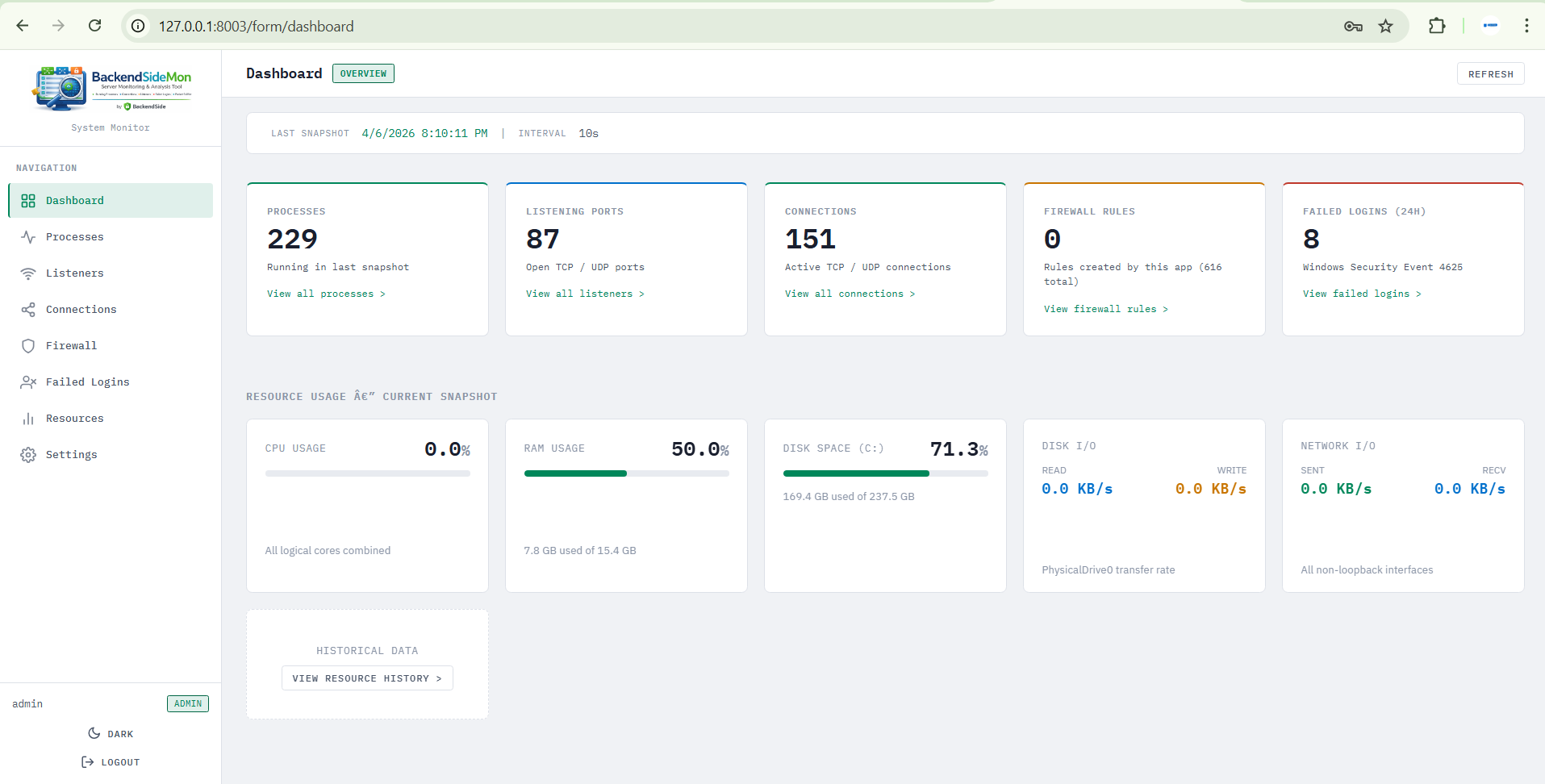
Main Application Interface
Network Statistics
Active Connections
Running Processes
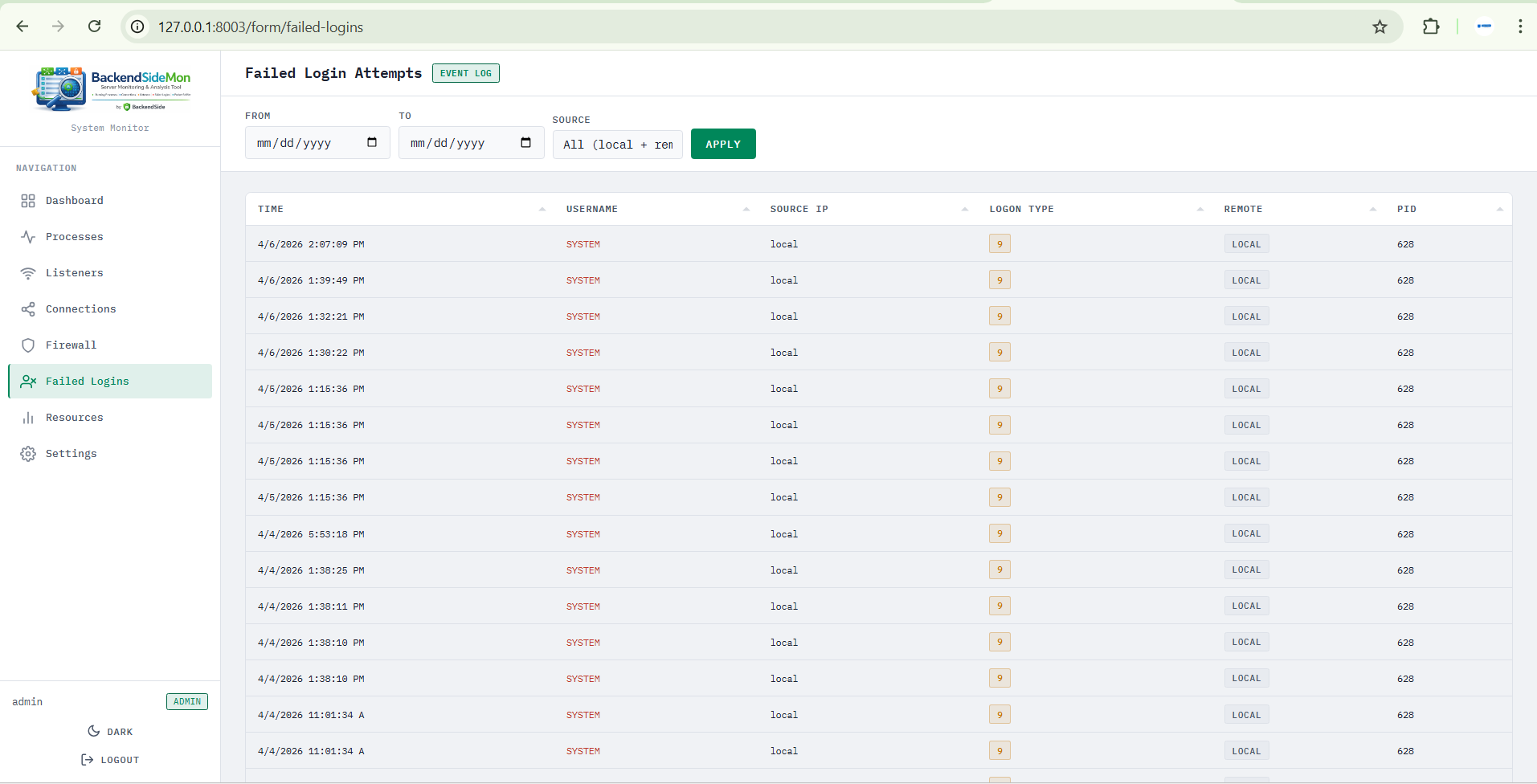
Active Listeners
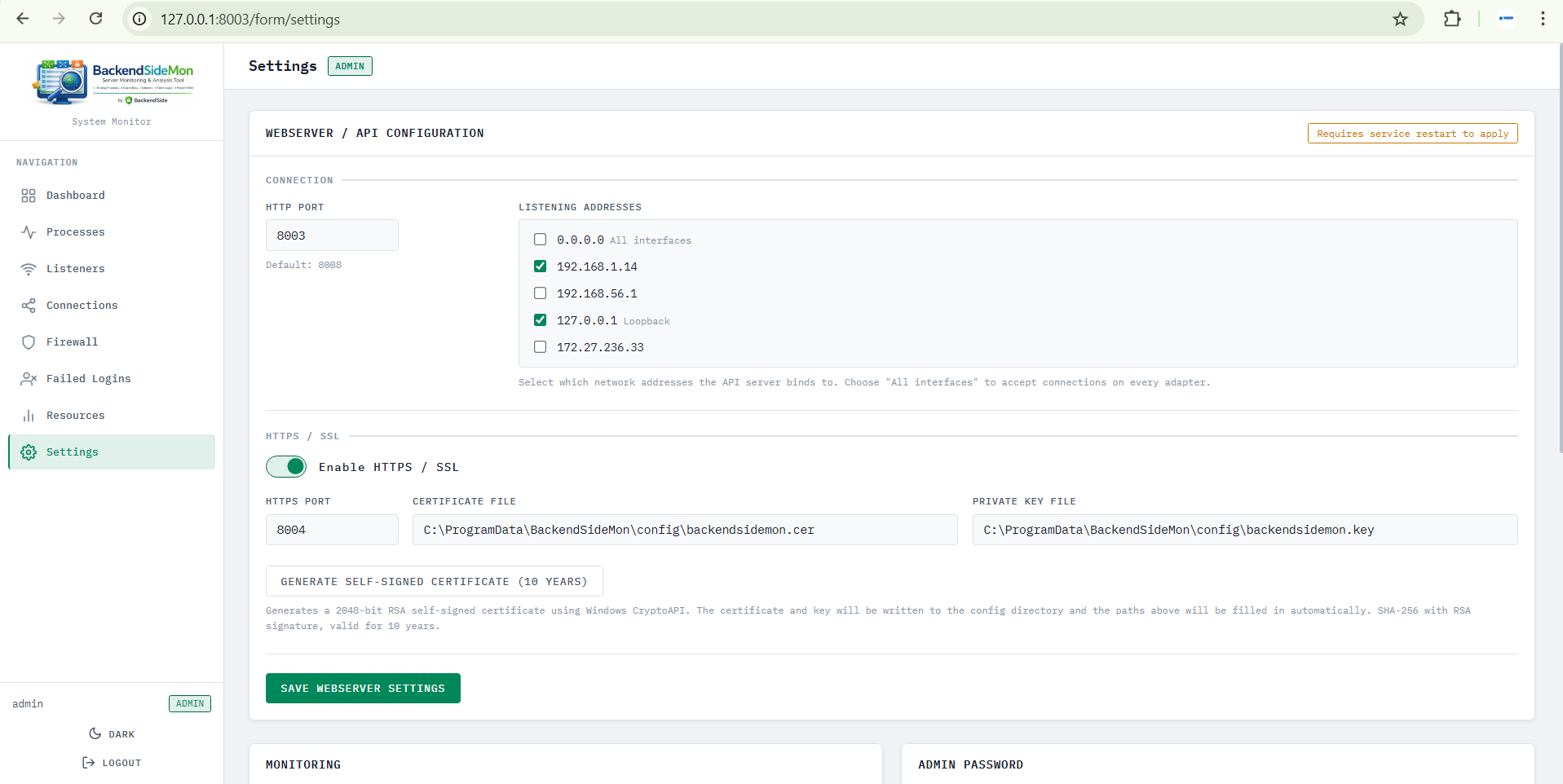
Monitoring Dashboard