
HashGen – File & Text Checksum Utility
An offline Windows tool for generating and verifying checksums. Hash text, single files or entire folders — and verify them against a hash you already have — using a wide range of algorithms including SHA-256, SHA-3 and BLAKE3, all processed locally so your data never leaves your machine.
Download HashGen v2.0
Available on the Microsoft Store — no subscription, no ads.

Changelog — what's new in each release
Full release history through the all-new 2.0 — new algorithms (SHA-3, BLAKE3, CRC-32, xxHash64), HMAC keyed hashing, dedicated verify pages, parallel folder hashing and the new Bulk Hash tool.
View the full changelogUser Guide — every tool explained
A plain-English walkthrough of Text Hash, Text Verify, File Hash, File Verify, Folder Hash, Folder Verify and Bulk Hash — plus choosing an algorithm, keyed (HMAC) hashing and verifying downloads.
Read the User GuideFeatures
🔤 Text Hashing
Type or paste any text and watch its hash update live as you type. Pick any algorithm, add an optional secret key for keyed (HMAC) hashing, and copy the result with one click.
📄 File Hashing
Drag a file onto the window or browse for it, then compute its checksum. A progress bar tracks large files — which you can cancel at any time — and you'll see the size, elapsed time and throughput.
✅ Text & File Verification
Paste a hash you were given and HashGen tells you instantly whether it's a Match or No match. The algorithm is detected automatically from the hash, and comparisons are constant-time so they're safe and exact.
📂 Folder Hashing
Hash every file in a folder in one go, optionally including sub-folders. Files are processed in parallel across your CPU cores, with a live per-file log. Save one standard checksum file (e.g. SHA256SUMS) or a side-car next to each file.
🔁 Folder Verification
Re-check a folder later against its saved checksums to confirm nothing has changed. Each file is reported individually — green for verified, red for changed or unreadable, amber when no saved checksum was found.
📋 Bulk Hash
Hash every line of a text file into a results file — ideal for long lists of values. Even very large files are supported because they're read piece by piece. Output the source line plus its hash, or the hash only.
🔐 11 Hash Algorithms
Choose from MD5, SHA-1, SHA-256/384/512, SHA3-256/384/512, BLAKE3, CRC-32 and xxHash64 — shown as selectable chips, with the legacy insecure ones (MD5, SHA-1) clearly flagged.
🔑 Keyed (HMAC) Hashing
Add a secret key to produce a keyed hash (HMAC) on the Text, File and Verify pages — useful for checking a value against an HMAC someone shared with you.
🔒 Fully Offline & Private
No internet connection required. Your files and text never leave your computer — everything is processed locally on your machine.
🌗 Light & Dark Theme
A clean, modern interface that automatically follows your Windows light or dark theme, with a quick help tip on every page.
Common Uses
📥 Verify Downloaded Files
Confirm that an ISO, installer, or archive hasn't been corrupted or tampered with by comparing its hash against the publisher's checksum.
🗄️ Backup Integrity Checks
Hash a folder before and after a backup or transfer, then re-verify to confirm every file arrived intact — with optional sub-folder coverage.
📦 Publish Release Checksums
Generate a standard SHA256SUMS file for a software release or download so your users can verify it on their end with any common checksum tool.
🗂️ Detecting File Changes
Hash a folder of documents or assets, then re-verify later to detect any unexpected modifications — useful for audit trails and compliance workflows.
Screenshots
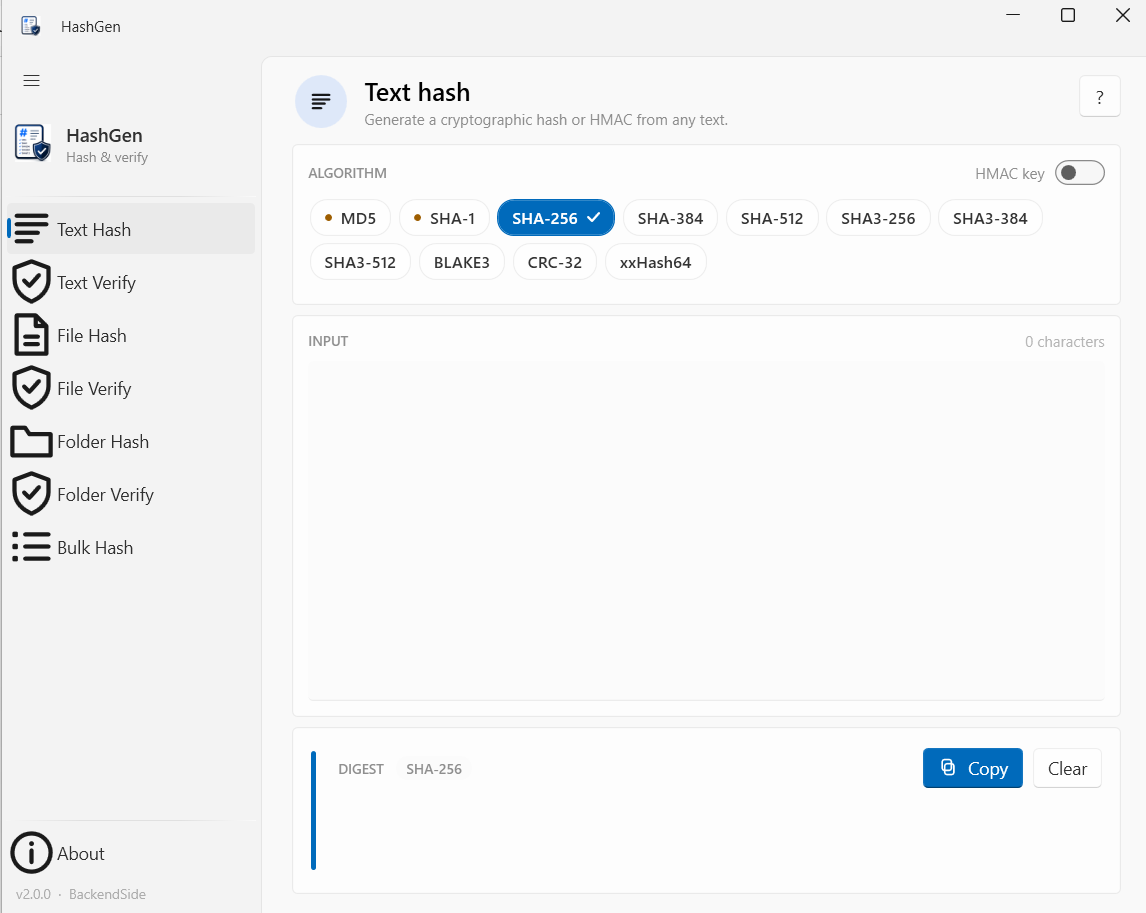
Text Hash — live hashing with algorithm chips and HMAC
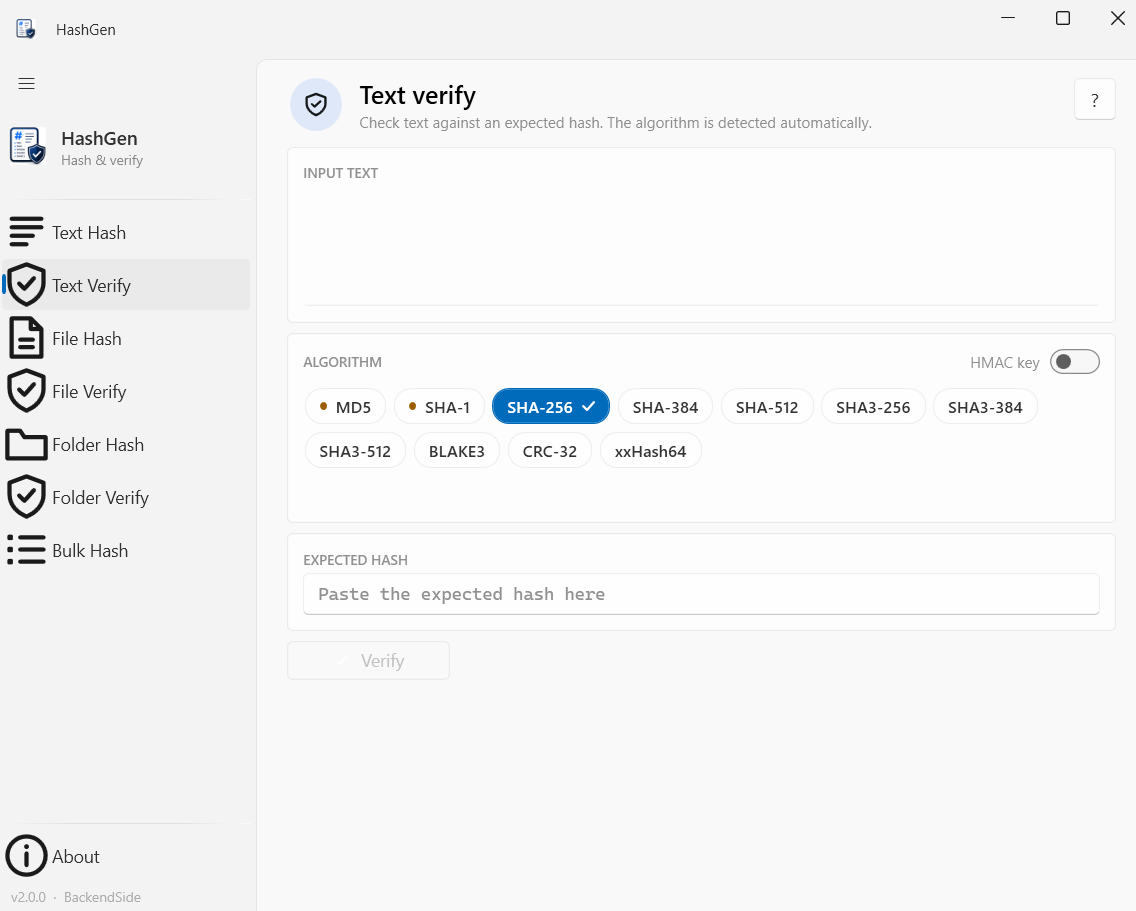
Text Verify — auto-detects the algorithm from the hash
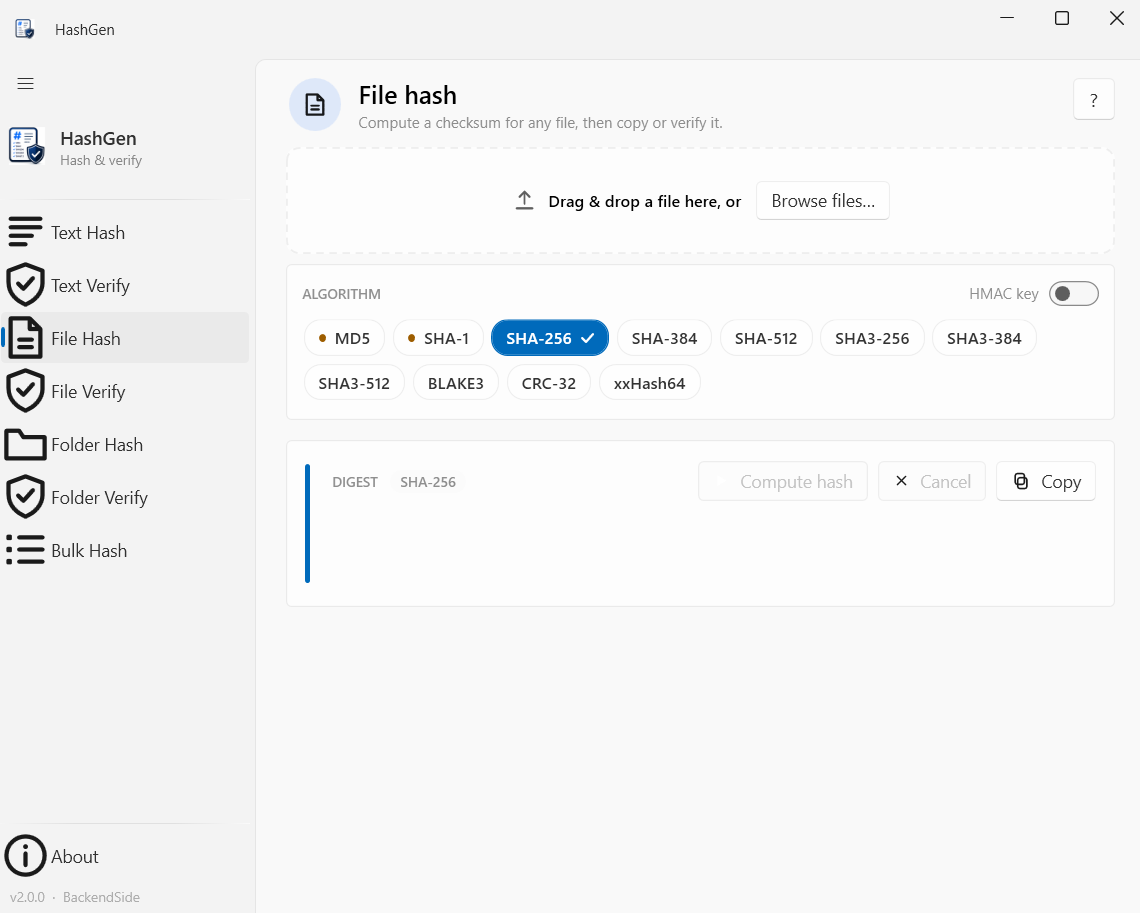
File Hash — drag & drop with a cancellable progress bar
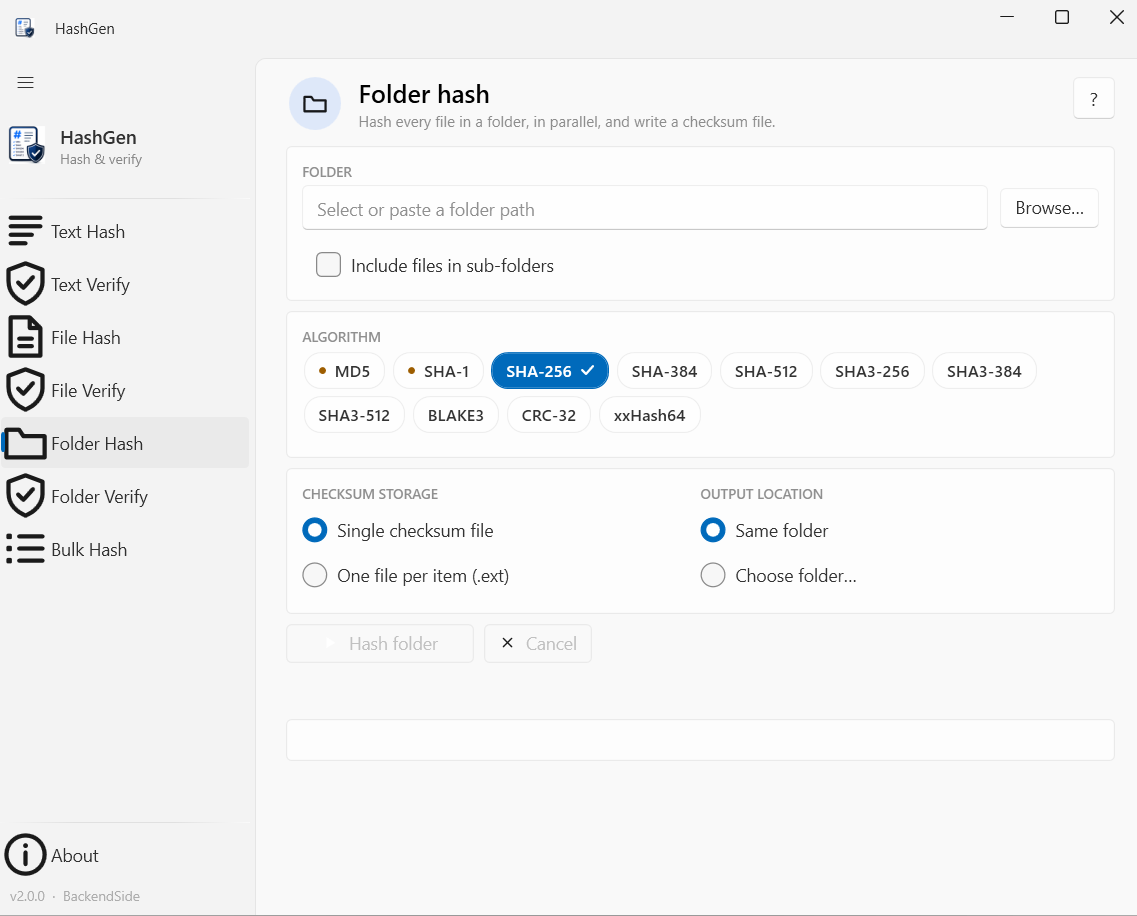
Folder Hash — parallel hashing to a SHA256SUMS or side-car file
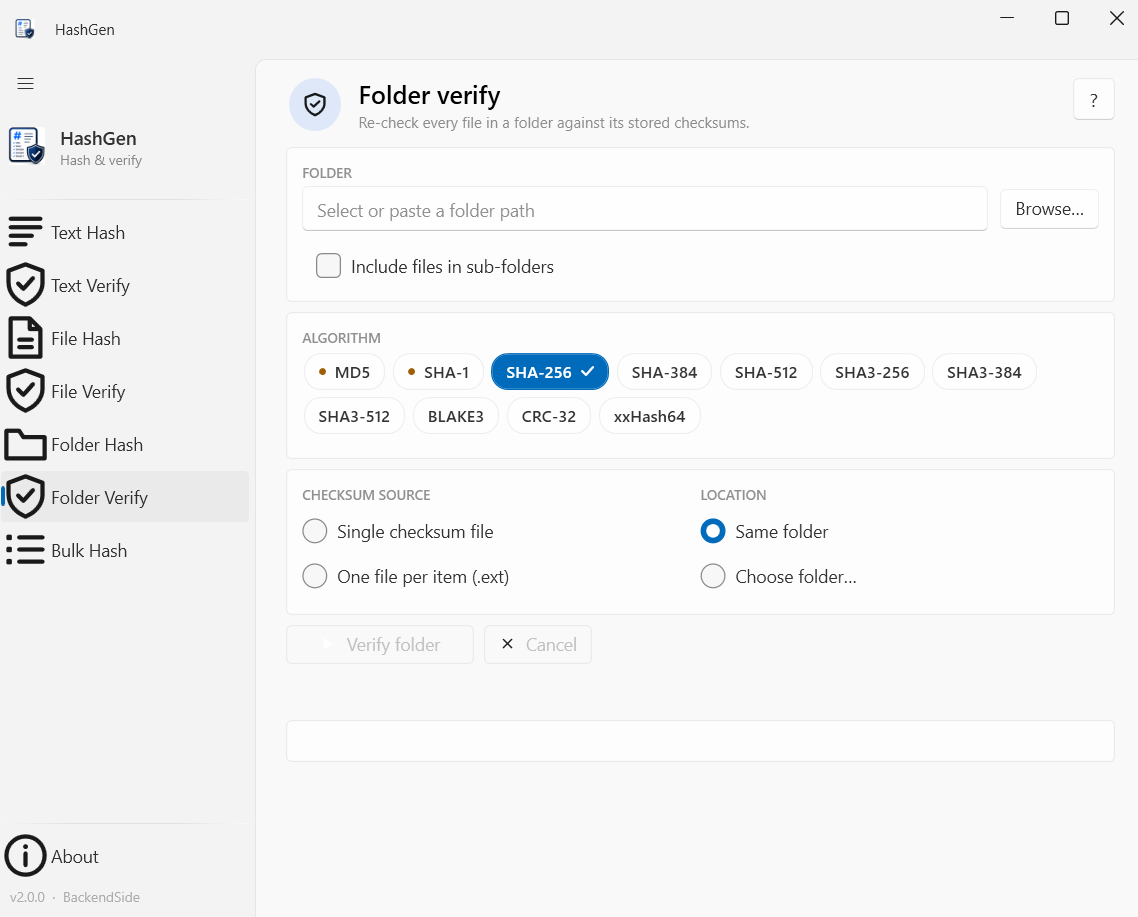
Folder Verify — re-check a folder against its saved checksums
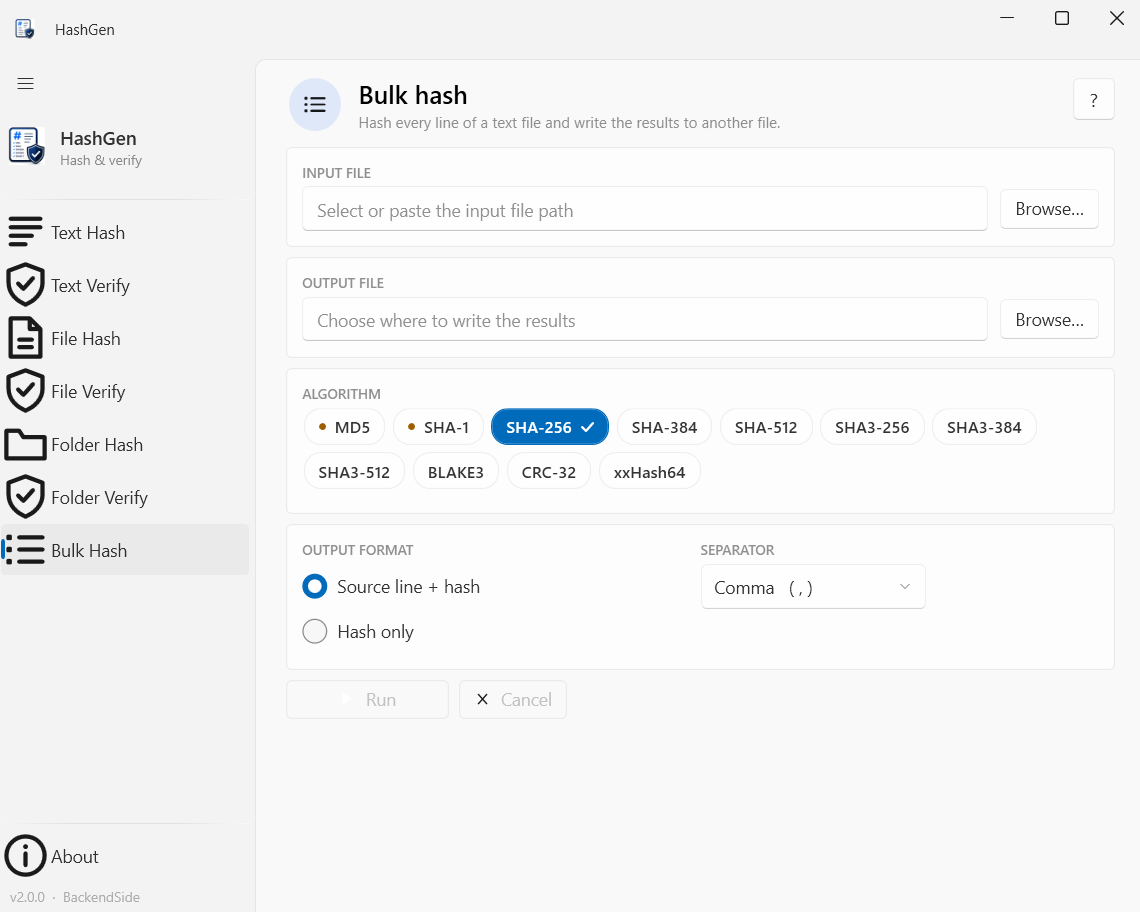
Bulk Hash — hash every line of a text file to a results file
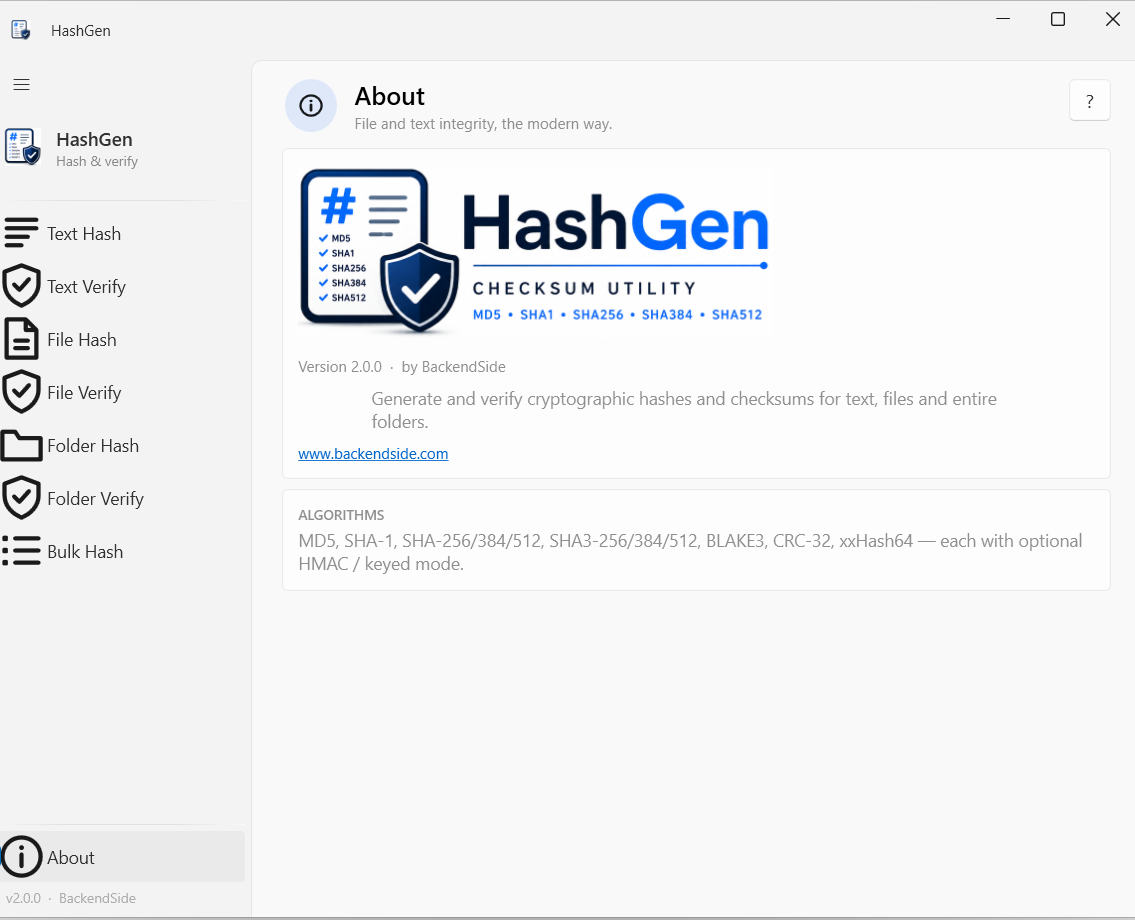
About — all eleven algorithms with optional HMAC mode
Latest Release
Version 2.0 — June 2026
Major update — new algorithms (SHA-3, BLAKE3, CRC-32, xxHash64), HMAC keyed hashing, dedicated verify pages, parallel folder hashing and the new Bulk Hash tool.